End: the block that finishes the flow
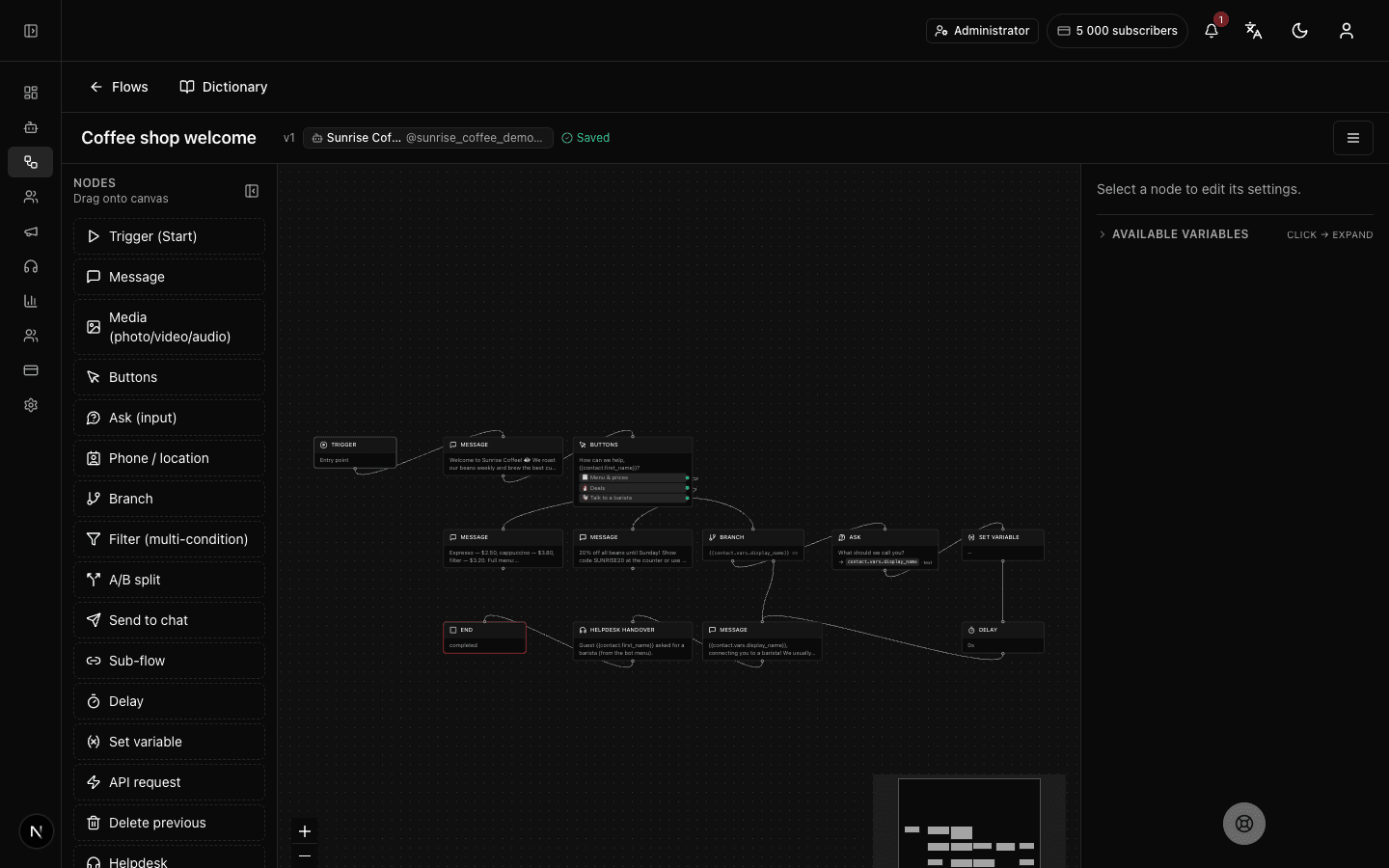
What the "End" block does
"End" marks the end of the flow — the point after which the bot stops leading the customer further. The customer sees nothing special: the bot simply goes quiet after its last message. For the conversation to continue, the customer has to do something again (start the flow anew, say) — on its own the bot won't write more in this branch.
Block settings
The "End" block has no settings — it just marks the end of the flow. Its panel explains that after it the subscriber gets no new automated messages until there's a new trigger or a handover to an operator.
No setup required — drop the block into your flow and it works right away.
Example: the end of checkout
The customer places an order, the bot thanks them with a "Message" block and reaches the "End" block. After that the bot writes nothing on its own — the flow is finished and the customer simply waits for their order.
Frequently asked questions
What happens after the "End" block?
The flow finishes: the subscriber gets no more automated messages in this flow. To make the bot speak again you need a new trigger for the flow, or a handover of the conversation to an operator.
How is "End" different from the "Call operator" block?
Both stop the automated flow, but differently. "End" simply finishes the conversation — no one takes over next. "Call operator" also ends the automated part, but hands the chat to a live staff member who continues talking.
Does the "End" block have any settings?
No. "End" has no configurable fields — it only marks the end of the flow. All you need to do is place it at the close of the branch.
Other blocks in this group
Start
The entry point where the bot starts guiding a person through the scenario. For example, when a customer first taps Start in the bot.Sub-flow
Runs another of your scenarios as a part of this one. For example, move address collection into a separate scenario and reuse it.Call operator
Hands the conversation over to a live operator. For example, when a customer asks for a human, the bot brings in a manager.Launch your Telegram bot with Forgebot
Build your first flow, reply to subscribers and watch analytics — free, no code.
Free plan: 1 bot, 5 flows, 100 subscribers. No card required.