Delete message: the bot clears clutter from the chat
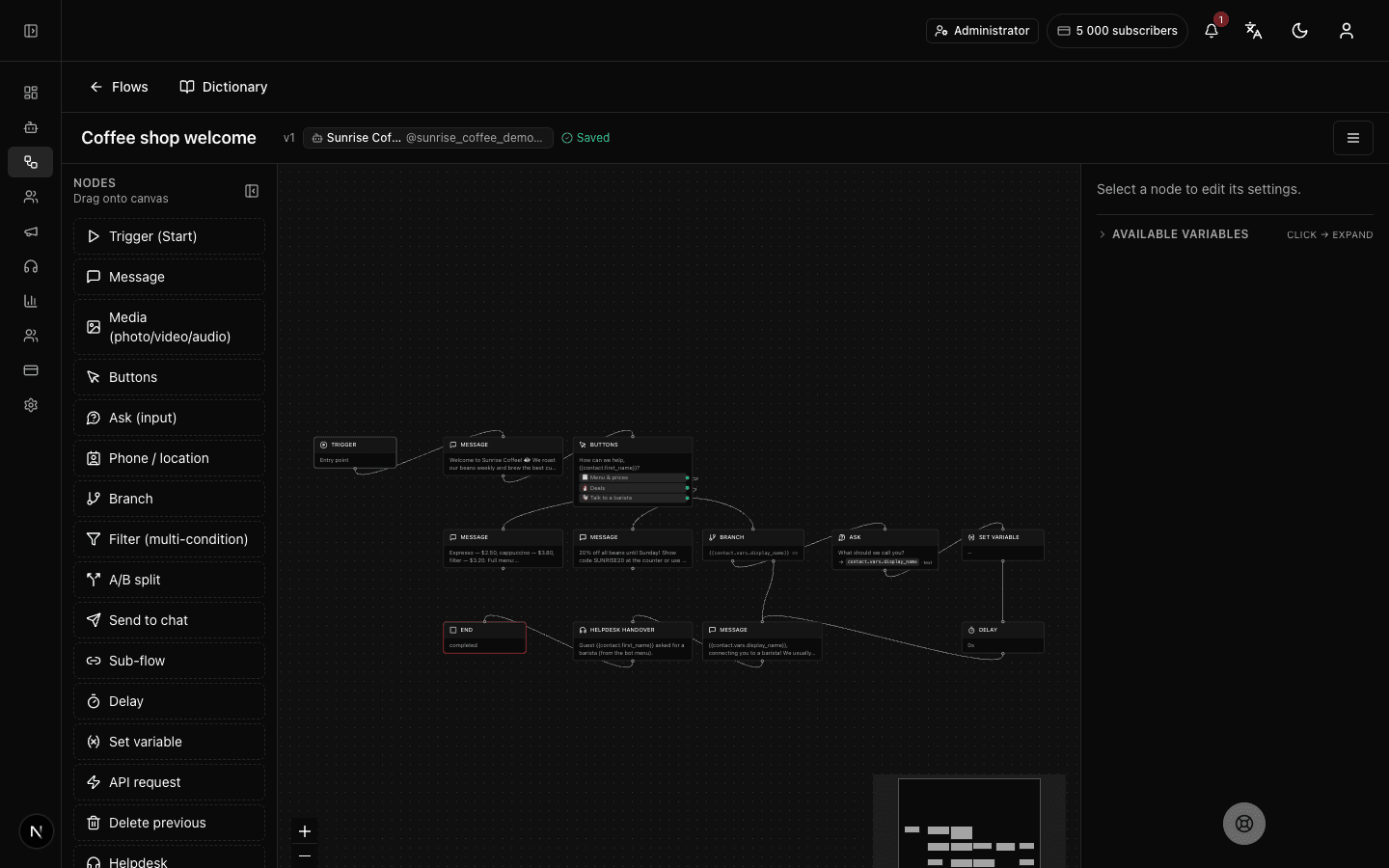
What the "Delete message" block does
The block erases the last message the bot sent in this chat — a button menu that's no longer needed, say. The customer sees the unneeded message simply disappear, and the conversation stays neat. There's a Telegram limit: only messages younger than 48 hours can be deleted; if the message is older, the bot silently skips this step and the flow carries on.
Block settings
The block has no settings: it always deletes the last message the bot sent in this chat. Just drop it into the flow wherever you need to clear the bot's previous message.
No setup required — drop the block into your flow and it works right away.
Example: clearing the menu after a choice
The bot showed a menu with the buttons "Coffee", "Tea", "Desserts". The customer tapped "Coffee" — and as the next step the "Delete message" block removes the menu so it's out of the way. Only what matters right now stays in the chat.
Frequently asked questions
Which message exactly gets deleted?
The last message the bot sent to this chat — usually the one right before this block, such as a button menu. The block never touches the customer's own messages.
Why does the message sometimes not get deleted?
Telegram has a limit: the bot can only delete a message younger than 48 hours. If it's older, the bot silently skips this step and the flow continues without an error.
How is "Delete message" different from the "Message" block?
"Message" adds new text to the chat, while "Delete message" does the opposite — it removes the bot's last message. They're often used together: show a menu first, then clear it after the choice to keep the chat tidy.
Other blocks in this group
Message
The bot sends a text message. For example: Hi! How can we help?Media
The bot sends a photo, video, GIF, audio or document with a caption. For example, a photo of the menu or a price list in PDF.Buttons
A message with buttons to choose from — each button leads down its own path. For example: Menu, Opening hours, Call a manager.Launch your Telegram bot with Forgebot
Build your first flow, reply to subscribers and watch analytics — free, no code.
Free plan: 1 bot, 5 flows, 100 subscribers. No card required.